See screening status in Shopify Orders
Use the order list, filters, and fulfillment workflow your team already knows.
RuleNorth checks each order before fulfillment and sends possible matches to your team.
The result appears on the Shopify order, ready for your team whenever a review is needed.
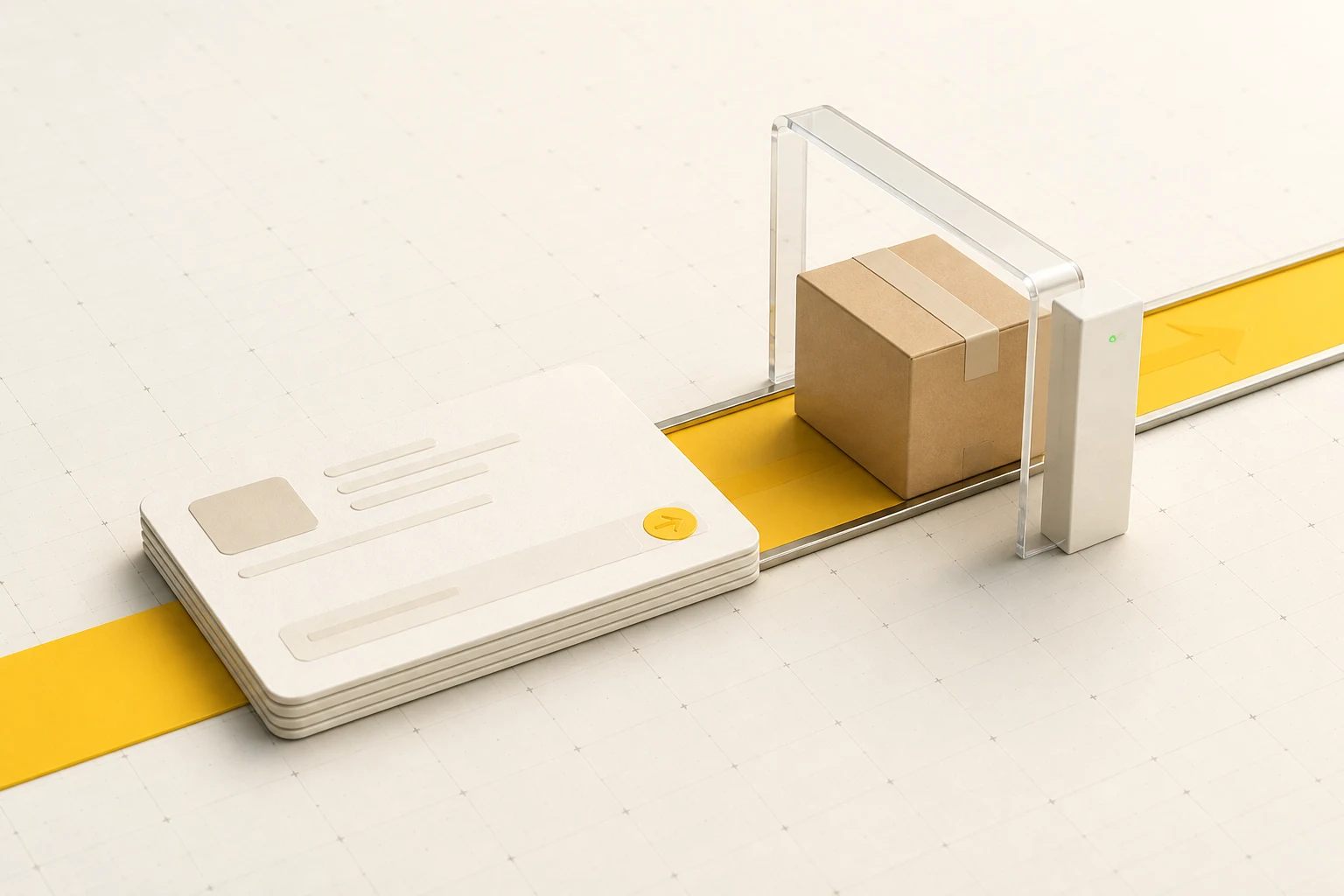
Each Shopify order follows the same screening flow.
A new or updated Shopify order starts a screening check.
Buyer, company, and destination details are checked against your screening sources.
A completed check with no review candidate requires no case review.
Your team sees the source context, records its decision, and returns to the order.
When screening finds no review candidate, the result is saved and the order stays in its usual fulfillment flow.
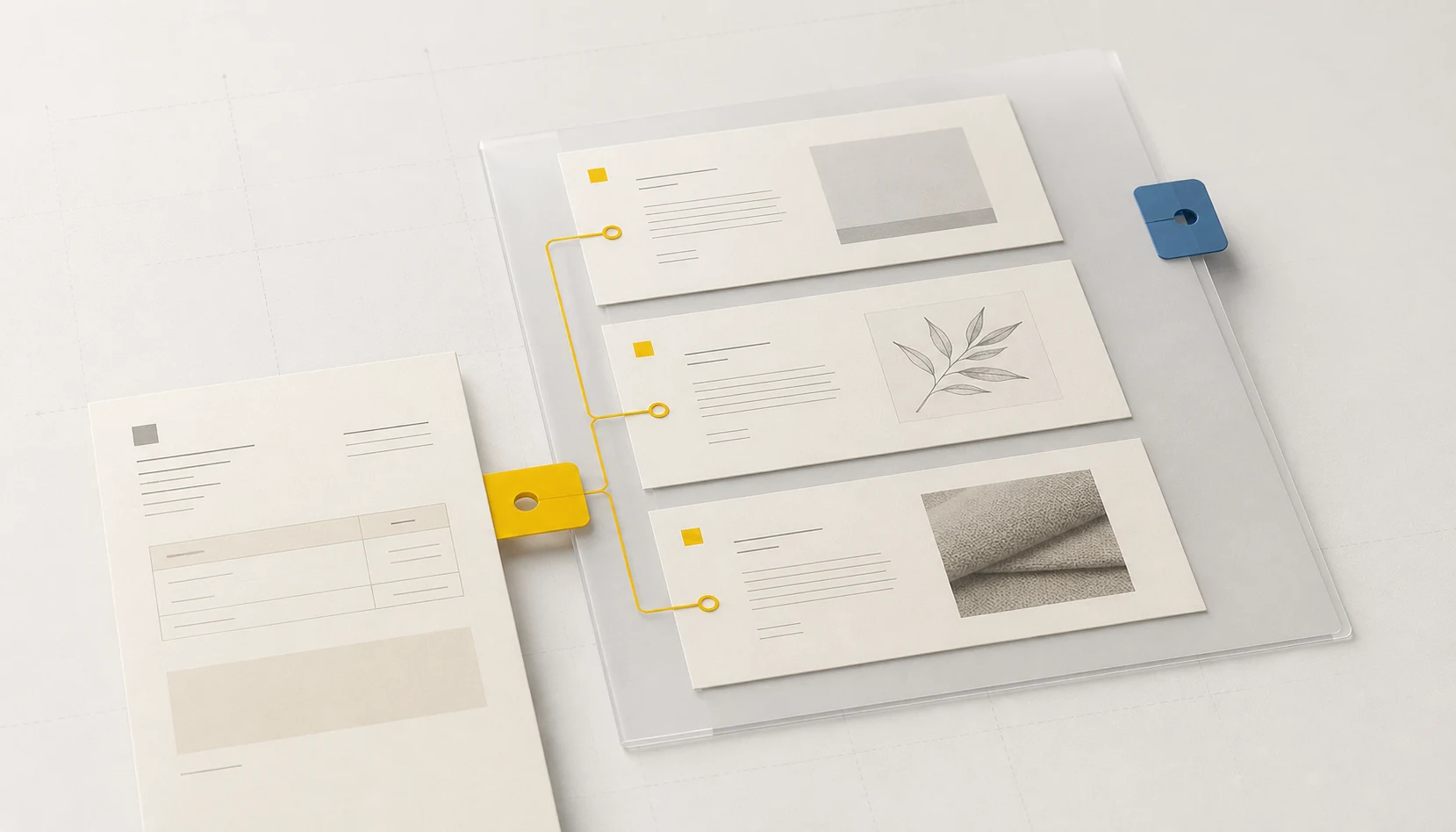
The Shopify order block shows the screening state and opens the RuleNorth case. The case keeps agreeing, conflicting, and missing facts visible for the reviewer.
View screening status from the order and open RuleNorth when a result needs review.
Use the order list, filters, and fulfillment workflow your team already knows.
The RuleNorth block links the order to its screening result and any open case.
Cases collect the source details and notes your team needs to make a decision.
Choose the order details, source coverage, and reviewers for your workflow.
Choose the buyer, company, and destination fields used for screening.
Select the screening sources that apply to your store.
Choose who on your team will review and close possible matches.
Get the Shopify App Store link when RuleNorth is ready to install.